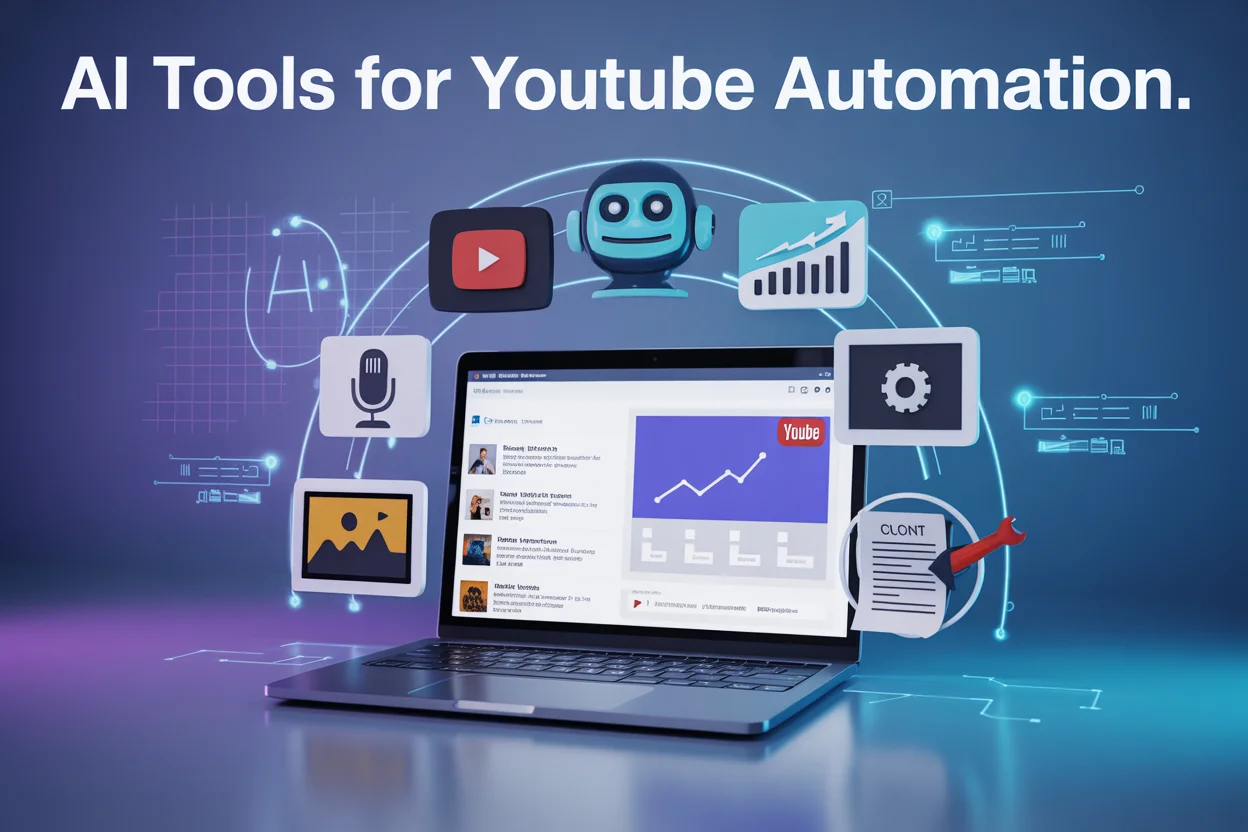
Running a successful YouTube channel requires consistent content creation, editing, SEO optimization, and publishing. Managing all these tasks manually can take hours every day. That’s why many creators are now using AI tools for YouTube automation to streamline their workflow and scale their channels faster.
AI-powered software can automate many tasks such as video scripting, editing, voiceovers, thumbnails, and SEO optimization. This allows creators to produce high-quality content consistently without spending excessive time on manual processes.
In this guide, you’ll discover the best AI tools for YouTube automation, how they work, and how you can use them to grow your channel efficiently.
What Are AI Tools for YouTube Automation?
AI tools for YouTube automation are software platforms that use artificial intelligence and machine learning to automate different parts of the video creation process.
These tools help creators with:
- Video idea generation
- Script writing
- AI voiceovers
- Video editing
- Thumbnail creation
- SEO optimization
- Channel analytics
Using AI tools can significantly reduce production time and allow creators to focus more on strategy and audience engagement.
Why Creators Are Using AI for YouTube Automation
AI is becoming an essential part of the creator economy. Many successful YouTube channels now rely on automation to maintain consistency and scale their content production.
Here are some key benefits:
Faster Video Production
AI tools can generate scripts, edit videos, and create thumbnails automatically.
Consistent Content Output
Automation allows creators to publish videos regularly without burnout.
Cost Reduction
AI tools can replace multiple roles such as scriptwriters, editors, and voiceover artists.
Data-Driven Decisions
AI analytics tools provide insights on trending topics and audience behavior.
Because of these benefits, YouTube creators can produce multiple videos per week while maintaining quality.
Types of AI Tools for YouTube Automation
AI tools can automate different parts of the YouTube workflow.
1. AI Script Writing Tools
These tools generate video scripts and ideas.
Examples:
- ChatGPT
- Jasper AI
2. AI Video Creation Tools
These tools automatically generate videos from text prompts.
Examples:
- Pictory
- Lumen5
3. AI Voiceover Tools
These tools convert scripts into realistic voice narration.
Examples:
- ElevenLabs
- Murf AI
4. AI Editing Tools
These tools automate editing tasks like cutting clips and adding captions.
Examples:
- Descript
- Runway AI
5. YouTube SEO Tools
These tools help optimize titles, tags, and thumbnails.
Examples:
- VidIQ
- TubeBuddy
15 Best AI Tools for YouTube Automation
1. ChatGPT
ChatGPT is widely used by creators to generate video ideas, outlines, and scripts.
Key features:
- Video script writing
- Content research
- YouTube video ideas
- SEO titles and descriptions
Best for: Script writing and brainstorming.
2. Jasper AI
Jasper AI is a powerful content writing platform designed for marketers and creators.
Key features:
- Long-form content writing
- Video scripts
- Marketing copy
- AI templates
Best for: professional script writing.
3. Pictory
Pictory converts text or blog posts into engaging videos automatically.
Key features:
- AI video creation
- Text-to-video conversion
- Automatic captions
Best for: faceless YouTube channels.
4. Synthesia
Synthesia allows creators to generate videos using AI avatars.
Key features:
- AI presenters
- Multiple languages
- Studio-quality voiceovers
Best for: educational or explainer videos.
5. Descript
Descript is an AI video editor that lets users edit videos by editing the transcript.
Key features:
- Transcript-based editing
- Screen recording
- AI voice cloning
Best for: podcast and talking-head videos.
6. Runway AI
Runway provides powerful AI tools for generating and editing videos.
Key features:
- AI video editing
- motion tracking
- background removal
Best for: creative video editing.
7. Lumen5
Lumen5 converts blog content into YouTube videos automatically.
Key features:
- text-to-video creation
- automated visuals
- stock media library
Best for: content repurposing.
8. ElevenLabs
ElevenLabs is known for its highly realistic AI voice generation.
Key features:
- human-like AI voices
- multilingual support
- voice cloning
Best for: YouTube voiceovers.
9. Murf AI
Murf AI is another powerful voiceover tool used by creators.
Key features:
- studio-quality narration
- voice customization
- script syncing
Best for: professional narration.
10. VidIQ
VidIQ helps creators grow their YouTube channels with AI insights.
Key features:
- keyword research
- video optimization
- competitor analysis
Best for: YouTube SEO.
11. TubeBuddy
TubeBuddy is a YouTube-certified tool that helps creators optimize videos.
Key features:
- keyword explorer
- tag suggestions
- A/B thumbnail testing
Best for: channel optimization.
12. Canva AI
Canva AI allows creators to design thumbnails and visuals quickly.
Key features:
- AI image generation
- thumbnail templates
- drag-and-drop editor
Best for: YouTube thumbnails.
13. Opus Clip
Opus Clip turns long videos into short viral clips.
Key features:
- AI clip detection
- auto captions
- social media repurposing
Best for: YouTube Shorts.
14. InVideo AI
InVideo AI allows creators to generate complete videos from prompts.
Key features:
- AI video generation
- voiceovers
- automated editing
Best for: quick content production.
15. Zapier
Zapier automates workflows between different apps.
Key features:
- automated publishing
- cross-platform integrations
- task automation
Best for: workflow automation.
How to Automate a YouTube Channel Using AI (Step-by-Step)
Here is a simple workflow many creators use.
Step 1: Generate Video Ideas
Use ChatGPT or VidIQ to find trending topics.
Step 2: Write the Script
Use ChatGPT or Jasper AI to generate the script.
Step 3: Generate Voiceover
Use ElevenLabs or Murf AI to create narration.
Step 4: Create Video
Use Pictory, Lumen5, or InVideo to generate visuals.
Step 5: Edit the Video
Use Descript or Runway AI for editing.
Step 6: Optimize for YouTube SEO
Use VidIQ or TubeBuddy to optimize titles, tags, and descriptions.
Step 7: Publish and Analyze
Use analytics tools to monitor performance and improve content.
Best Free AI Tools for YouTube Automation
If you’re starting a YouTube channel on a budget, these tools offer free plans:
- ChatGPT
- Canva AI
- VidIQ
- TubeBuddy
- Descript
These tools allow beginners to automate many tasks without spending much money.
Common Mistakes to Avoid in YouTube Automation
Over-automating content
AI should assist creativity, not replace it entirely.
Ignoring YouTube SEO
Optimization is essential for video discovery.
Low-quality AI voiceovers
Always choose realistic voice tools.
Posting inconsistent content
Consistency is key to channel growth.
The Future of AI in YouTube Automation
AI will continue transforming how creators produce content. Tools are becoming more advanced, allowing creators to generate scripts, edit videos, and publish content faster than ever.
Many creators now treat YouTube like a content production system, using multiple AI tools to scale their output efficiently.
Creators who learn to use AI effectively will gain a major advantage in the rapidly growing creator economy.
FAQs
What is YouTube automation?
YouTube automation is the process of using tools or services to automate tasks like video creation, editing, and publishing.
Is YouTube automation allowed?
Yes, as long as the content follows YouTube’s policies and guidelines.
What is the best AI tool for YouTube automation?
Popular tools include ChatGPT, Pictory, ElevenLabs, VidIQ, and Descript.
Can beginners use AI for YouTube automation?
Yes. Many AI tools are beginner-friendly and help simplify content creation.