Canva has become one of the most popular graphic design platforms for beginners, entrepreneurs, and creators. It allows users to design social media posts, presentations, logos, and digital products without needing professional design skills.
But many beginners ask the same question:
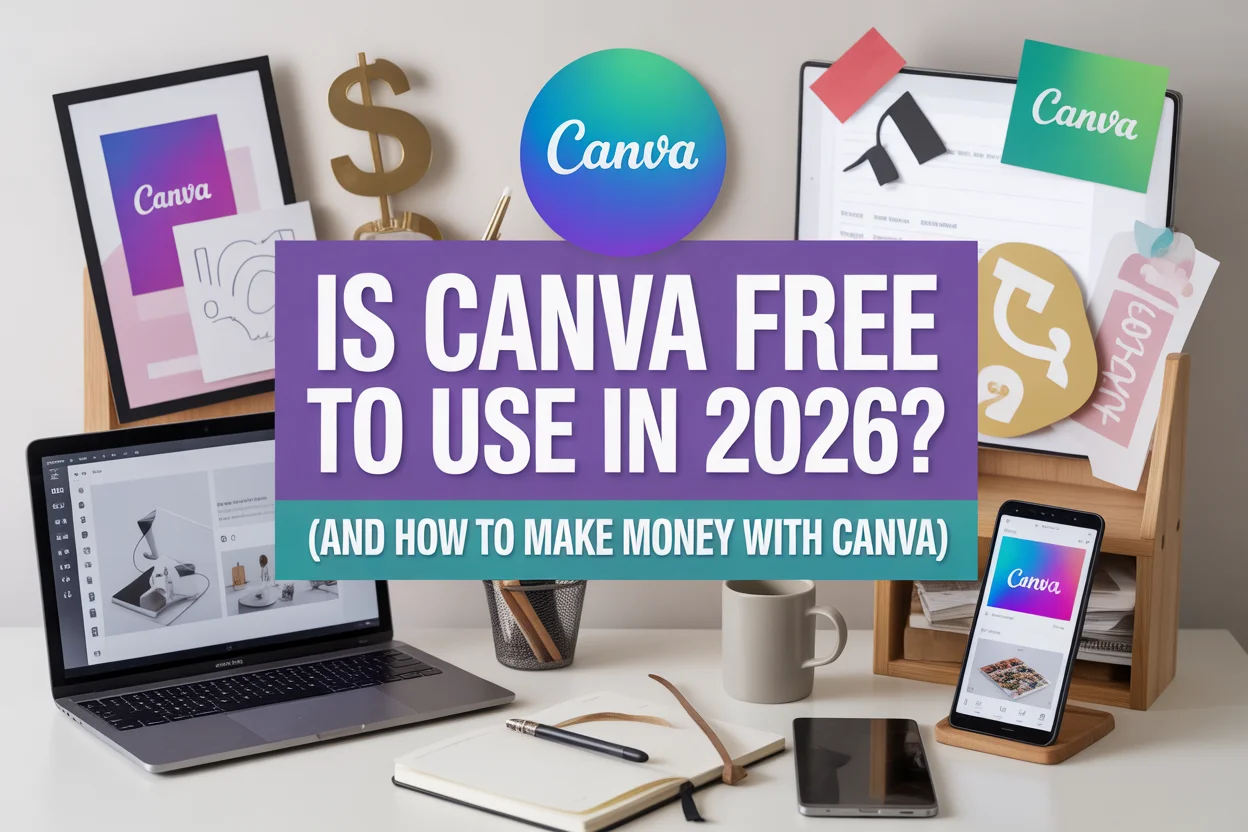
Is Canva free to use in 2026?
The short answer is yes — Canva still offers a free plan, but some advanced features are now locked behind paid subscriptions.
In this guide, you’ll learn:
- whether Canva is free in 2026
- what features you get with the free version
- how beginners can make money using Canva.
Is Canva Free to Use in 2026?
Yes, Canva still provides a free plan that anyone can use without a credit card.
The free version includes basic design tools like:
- drag-and-drop editor
- text styling and layers
- exporting designs as PNG, JPG, or PDF
- access to many templates and graphics.
However, there are limitations.
For example, Canva Free offers around 5GB of storage and limited access to premium templates and assets, while many advanced tools and design elements are available only with Canva Pro.
The paid version also unlocks additional features like AI design tools, brand kits, and access to millions of premium templates and stock images.
For beginners who only need basic graphics, the free version is usually enough to start designing.
Canva Free vs Canva Pro (2026)
Understanding the difference between Canva Free and Canva Pro helps you decide whether you need to upgrade.
Canva Free
Best for beginners and occasional designers.
Features include:
- drag-and-drop design editor
- thousands of free templates
- basic AI tools
- 5GB storage.
Canva Pro
Best for freelancers, creators, and businesses.
Extra features include:
- millions of premium templates
- unlimited storage
- background remover
- brand kits
- advanced AI design tools.
Paid plans start around $12–$15 per month depending on region and billing cycle.
Can You Make Money With Canva?
Yes, many creators use Canva to build online businesses.
Because Canva is easy to use, beginners can create digital products and sell them online without needing professional design skills.
Some people earn money through:
- selling templates
- freelance design services
- creating social media graphics
- designing digital products.
Let’s explore some beginner-friendly ways to make money with Canva.
10 Ways to Make Money With Canva
1. Sell Canva Templates
One of the most popular Canva side hustles is selling templates.
Examples include:
- Instagram post templates
- Pinterest pin templates
- business card templates
- presentation templates.
You can sell these on platforms like Etsy or your own website.
2. Design Social Media Graphics for Businesses
Many small businesses need help creating social media content.
With Canva, you can design:
- Instagram posts
- Facebook ads
- Pinterest pins
- YouTube thumbnails.
Freelancers often charge $10–$50 per design depending on complexity.
3. Sell Printables
Printables are digital products customers download and print.
Examples include:
- planners
- budgeting sheets
- calendars
- habit trackers.
These products can generate passive income once listed online.
4. Create and Sell Digital Products
You can design digital products using Canva, such as:
- ebooks
- worksheets
- journals
- workbooks.
These can be sold on platforms like Etsy or Gumroad.
5. Create YouTube Thumbnails
YouTube creators constantly need attractive thumbnails.
You can offer thumbnail design services using Canva.
Many freelancers earn $5–$20 per thumbnail.
6. Sell Wall Art
Digital wall art is very popular on marketplaces like Etsy.
You can design:
- inspirational quotes
- minimalist posters
- aesthetic prints.
Customers download and print them at home.
7. Offer Canva Design Services on Fiverr
Freelance platforms like Fiverr allow you to sell Canva design services.
Common gigs include:
- logo design
- social media posts
- presentation slides.
8. Start a Pinterest Pin Design Service
Bloggers need eye-catching Pinterest pins to drive traffic.
You can create:
- blog pin templates
- Pinterest graphics
- blog featured images.
9. Create Online Course Materials
Teachers and coaches often need visually appealing course content.
You can design:
- workbooks
- presentations
- learning guides.
10. Join the Canva Creators Program
Canva allows designers to contribute templates and earn royalties when users download them.
If your designs are accepted, you can earn passive income whenever someone uses your templates.
Tips to Make Money Faster With Canva
Focus on One Niche
Choose a specific niche such as:
- Pinterest templates
- Instagram templates
- printable planners.
Study Marketplace Trends
Look at what sells well on platforms like Etsy before creating templates.
Build a Portfolio
Show examples of your designs to attract clients.
Common Mistakes Beginners Make
1. Trying too many side hustles
Focus on one method and improve it.
2. Ignoring design trends
Study popular templates to understand what buyers want.
3. Using copyrighted elements
Always check Canva licensing rules before selling designs.
Final Thoughts
Canva remains one of the easiest tools for beginners who want to start designing online in 2026. The free plan still provides enough features to create simple graphics and digital products.
However, if you plan to run a design business or sell templates professionally, upgrading to Canva Pro can unlock more templates, assets, and advanced tools.
With creativity and consistency, Canva can become a powerful tool for building an online income stream.