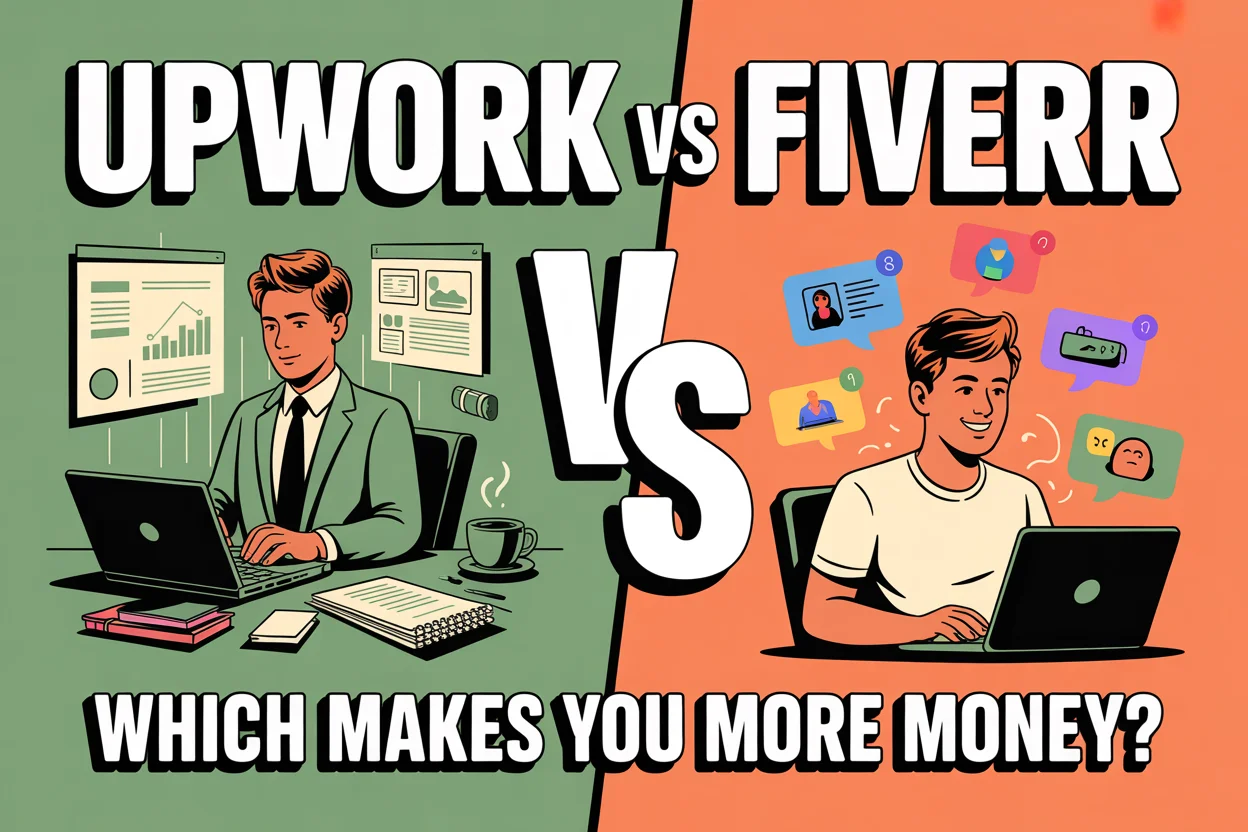
You’ve finally decided to start freelancing, you Google where to begin, and now you’re stuck between Upwork vs Fiverr. I’ve been there. You open five tabs, read three Reddit threads, and somehow end up more confused than when you started.
The problem? Most comparisons barely scratch the surface. They throw out generic pros and cons without actually helping you decide what works for your situation. And honestly, that’s what matters most.
I’ve used both platforms — messed up on both too — and what I’ve learned is simple: they reward completely different approaches. So instead of vague advice, I’m going to break this down based on how money is actually made, what kind of work you do, and where you are in your freelancing journey.
If you’re leaning toward Fiverr already, I’d suggest starting with getting started on Fiverr as a beginner so you don’t waste weeks figuring things out the hard way (I definitely did).
How Upwork and Fiverr Actually Work (The Core Difference)
Upwork’s Model — You Bid on Client Jobs
Upwork feels a lot like applying for jobs. Clients post what they need, and you send proposals explaining why you’re the right person.
Here’s the catch — every proposal costs “connects.” When you sign up, you get a limited number for free. After that, you either wait for more or buy them. Most jobs cost anywhere from 2 to 12 connects to apply.
So yeah, you’re literally paying for a chance to get work. That hit me hard at first. I remember spending connects on proposals that never even got viewed.
And you’re not alone in those job listings — you’re competing with dozens (sometimes hundreds) of other freelancers. Which means your proposal has to stand out fast.
Fiverr’s Model — Clients Come to You
Fiverr flips everything.
Instead of chasing clients, you create “gigs” — basically service listings — and wait for buyers to find you. It’s more like setting up a shop than applying for jobs.
The platform’s algorithm decides who gets seen. If your gig is optimized well (title, keywords, images, reviews), Fiverr does a lot of the selling for you.
But here’s the trade-off — you’re not in control of traffic. If Fiverr doesn’t push your gig, it just sits there. I had gigs that got zero impressions for weeks… and then randomly started getting orders overnight.
Fee Structures — Where Your Money Actually Goes
Let’s talk money — specifically, what you don’t get to keep.
- Upwork: 10% service fee on your earnings + cost of connects to apply for jobs
- Fiverr: 20% flat fee on every order
Here’s a simple example:
- You earn $500 on Upwork → You keep $450 (minus any connects you used)
- You earn $500 on Fiverr → You keep $400
So yes, Fiverr takes a bigger cut. No way around that.
But Upwork isn’t “free” either. If you’re sending a lot of proposals (especially early on), those connect costs add up quickly. I’ve easily spent $20–$50 just applying for jobs before landing one.
If you want a deeper breakdown straight from the source, check Upwork’s official breakdown of its fee structure vs Fiverr.
Verdict: Upwork takes less per project, but you pay upfront to compete. Fiverr takes more, but you don’t spend anything to get started.
Earning Potential — Which Platform Pays More?
Beginner Earnings (First 3 Months)
Let me be blunt — your first few months on either platform won’t make you rich.
On Fiverr, most beginners start with low-priced gigs. Think $5–$25. You rely on volume. My first month? I made around $120 doing small writing gigs — not glamorous, but it worked.
On Upwork, beginners often underprice themselves just to land that first job. You’ll see rates around $10–$20/hour. If you’re consistent, you might pull in $100–$500 in your first month.
The difference is how you earn:
- Fiverr = small orders, more frequent
- Upwork = fewer jobs, slightly higher value
Intermediate/Advanced Earnings (6–12+ Months)
This is where things start getting interesting.
On Fiverr, once you build reviews and level up, you can charge serious money. I’ve seen gigs go from $10 to $200+ just by improving positioning and getting repeat clients.
Upwork scales differently. Instead of increasing order volume, you increase your hourly rate or land bigger contracts. $30–$75/hour becomes realistic if you build a solid profile.
And the big advantage? Long-term clients. I’ve had Upwork clients stick around for months — steady income without constantly chasing new work.
Key insight: Upwork is better for high-value, long-term contracts. Fiverr shines when you want scalable, repeatable gigs.
Which Platform Is Better for YOUR Skill?
This is where most people get it wrong — they pick a platform without thinking about what they actually do.
Skills that thrive on Fiverr:
- Graphic design (logos, thumbnails)
- Video editing
- Voiceovers
- Social media content
- Short-form copywriting
These work well because buyers want quick, packaged services.
Skills that thrive on Upwork:
- Web development
- Long-form writing
- Virtual assistance
- Project management
- Consulting
- Data analysis
If you’re exploring virtual assistant jobs you can start from home, Upwork is honestly one of the best places to land consistent clients.
Skills that work on both:
- Content writing
- SEO
- WordPress development
- Translation
I’ve personally used both platforms for writing — Fiverr for quick gigs, Upwork for bigger projects. Different strategies, same skill.
Client Quality & Platform Experience
This part surprised me the most when I started.
On Upwork, clients are generally more professional. They have clearer budgets, structured projects, and often use escrow — which protects your payment.
But… not every proposal gets seen. I’ve sent dozens that never got a response. It can feel like shouting into the void.
Fiverr is more unpredictable. You’ll get a mix — some amazing clients, some expecting $5 miracles.
The upside? Repeat buyers. Once someone likes your work, they often come back without you having to pitch again.
Both platforms offer dispute resolution and payment protection, but they handle communication differently. Upwork feels more formal. Fiverr feels faster, more transactional.
If you want a broader comparison, this detailed comparison of Upwork and Fiverr by GigRadar breaks down additional differences.
Honest Pros and Cons (No Sugarcoating)
Upwork Pros & Cons
- Pros: Higher-paying contracts, long-term clients, hourly tracking, escrow protection
- Cons: Connect system feels like pay-to-play, heavy competition, writing proposals gets exhausting
Fiverr Pros & Cons
- Pros: No bidding, passive income potential, easy setup, seller levels reward consistency
- Cons: 20% fee hurts, pricing pressure, dependent on algorithm, some low-quality buyers
Can You Use Both Platforms at the Same Time?
Short answer — yes. And a lot of freelancers do exactly that.
I’ve personally used Fiverr to bring in consistent small gigs while using Upwork to chase bigger projects. It’s a solid combination if you can manage both.
Here’s a simple strategy:
- Use Fiverr for passive, repeatable income
- Use Upwork for targeted, higher-paying contracts
But don’t try to do everything at once. Early on, it’s easy to spread yourself too thin and end up succeeding at neither.
If you prefer working quietly behind the scenes (no constant pitching or calls), you might also like side hustles that are perfect for introverts.
The Verdict — Which One Should YOU Pick?
Let’s make this simple.
- If you want quick cash with minimal setup → Go with Fiverr
- If you want long-term clients and higher rates → Go with Upwork
- If you’re completely new → Start with Fiverr, then expand to Upwork
Overthinking this decision is what keeps most people stuck. I wasted weeks comparing platforms instead of just starting.
Pick one. Set it up properly. Get your first client. Then adjust.