
You don’t need a blog to make money with Pinterest affiliate marketing. You don’t need a huge following either. What you do need is a tested system, the right kind of pins, and a clear understanding of which affiliate programs actually allow direct linking. That’s what you’ll get here.
I started testing Pinterest affiliate marketing in my own account two years ago, with zero blog traffic and a brand-new business profile. The first $47 commission came in week six. Nothing glamorous. But it proved the model works, and I’ve spent the months since refining what makes pins convert, which programs are worth your time, and what gets accounts shadow-banned (yes, that’s real).
By the end of this guide, you’ll know exactly how to set up your profile, pick the right programs, design pins that get clicks, stay on Pinterest’s good side, and follow FTC rules so you don’t accidentally torch your account. Let’s get into it.

Can You Really Do Pinterest Affiliate Marketing Without a Blog?
Short answer: yes, in 2026, and Pinterest officially allows it.
Pinterest’s current creator guidelines permit affiliate links in pins, as long as you disclose the relationship clearly and you’re not spamming. That’s the whole rule. No requirement to have a blog, a website, or even a large following. You just need a Pinterest business account (free) and an approved affiliate program.
Here’s where most people get confused. Some affiliate programs require a website during signup. Others don’t. The trick is choosing programs that fit your setup. We’ll cover the best beginner-friendly ones in a minute.
Why Pinterest Works So Well for Affiliate Income
Pinterest isn’t social media. It’s a visual search engine. People come there with buying intent, looking for ideas, products, and solutions. That’s a completely different headspace from Instagram or TikTok scrolling.
Pins also have an unusually long shelf life. A well-optimized pin can drive clicks for 6 to 18 months after you upload it. Compare that to an Instagram post that dies in 48 hours, and you’ll see why affiliate marketers love this platform.
Affiliate Marketing on Pinterest for Beginners: What You Need to Start
You can be set up in one afternoon. Here’s the short list:
- A free Pinterest business account
- One approved affiliate program (more on this below)
- A free Canva account for designing pins
- A simple link shortener like Bitly or Pretty Links (optional but recommended)
- A spreadsheet or Notion page to track your pins and clicks
That’s it. No domain. No hosting. No email list. Total cost: $0 to start.
If you already have a Pinterest personal account, convert it to a business account from settings. Business accounts unlock analytics, which is non-negotiable once you start scaling.
Setting Up a Profile That Actually Builds Trust
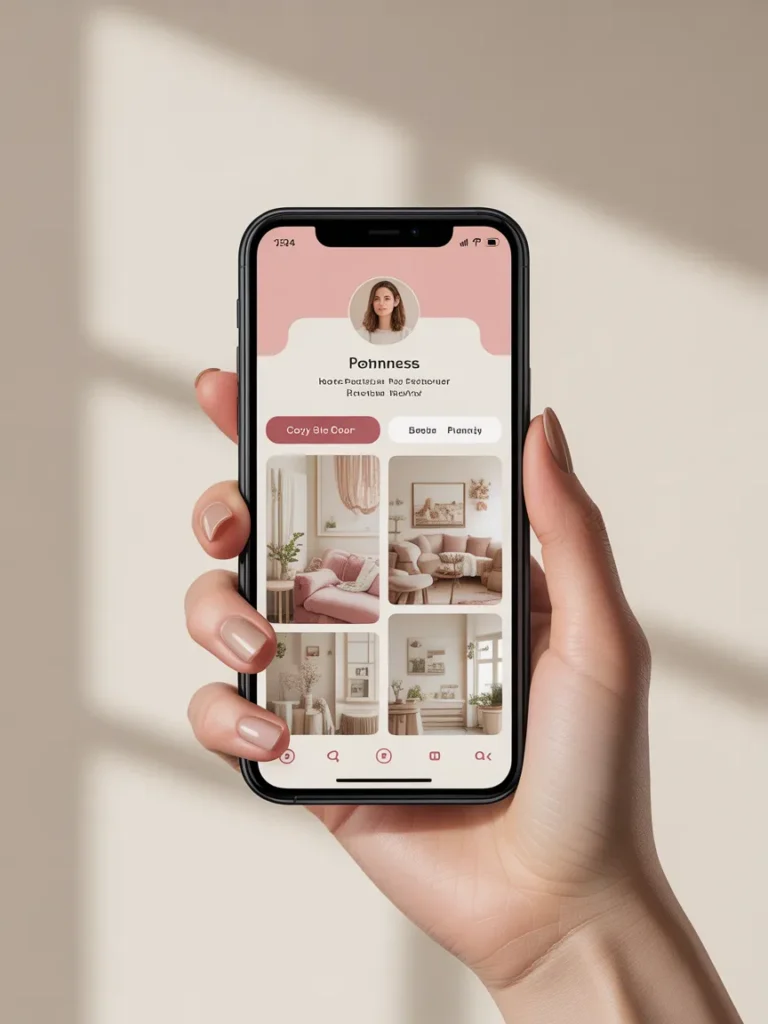
Your profile is the first thing skeptical Pinterest users check before clicking your affiliate links. A blank, half-finished profile screams “spam account.” A polished one builds enough trust to earn the click.
Three things matter most:
- A clear profile photo (your face or a clean brand logo, never a stock graphic)
- A keyword-rich bio that says exactly what you pin about (“Cozy home finds, budget decor, and Amazon must-haves under $50”)
- At least 8 to 10 organized boards with real, useful pins before you start dropping affiliate links
The third one is what most beginners skip, and it’s why their pins get buried. Pinterest’s algorithm rewards profiles that look like real users, not marketing machines.
How to Choose Affiliate Programs That Don’t Require a Website
This is the make-or-break decision. Pick the wrong program and you’ll get rejected at signup or banned after your first commission. Pick the right one and you can start linking the same day.
Programs fall into three buckets when it comes to website requirements:
Bucket 1: No website required at all. You can sign up with just a Pinterest profile or social account.
- Amazon Associates (technically requires a “website or app,” but Pinterest business accounts qualify in most cases; read their current operating agreement)
- ShareASale (most merchants accept social-only applicants)
- Impact (varies by brand)
- LTK (formerly RewardStyle, application-based, very Pinterest-friendly)
Bucket 2: Website preferred but social accepted.
- CJ Affiliate (some brands require a site)
- Awin (low barrier, $5 application fee refunded after first sale)
Bucket 3: Website required. Skip these until you have a blog.
- Most luxury and finance affiliate programs
- Direct partnerships with major retailers
For your very first program, I’d go with Amazon Associates or LTK. Amazon converts well because shoppers already trust it. LTK was built for content creators and integrates beautifully with Pinterest.
Direct Link vs. Bridge Page: The Decision Framework Nobody Teaches
Here’s the question every beginner asks: should I link straight to the product, or send people to a landing page first?
Both work. They just work in different situations. Here’s the decision framework I use:
| Situation | Use Direct Link | Use Bridge Page |
|---|---|---|
| Single product, clear purchase intent | ✓ | |
| Amazon product | ✓ (Amazon requires it) | |
| Multiple products in one pin (round-up) | ✓ | |
| Email capture is your secondary goal | ✓ | |
| Affiliate program forbids direct social linking | ✓ | |
| You want analytics beyond pin clicks | ✓ |
A bridge page is just a simple landing page where you preview the product, share your honest take, and then send readers to the affiliate link. You can build one for free with Carrd, Beacons, or Linktree. No blog needed.
The bridge page approach typically converts at half the rate of direct links, but it captures emails and avoids program violations. For round-up content (“10 Cozy Throw Blankets Under $40”), bridge pages win every time.
How to Do Affiliate Marketing on Pinterest in 2026: The Pin Creation Workflow
Here’s the exact step-by-step I follow for every affiliate pin. It takes about 12 minutes per pin once you have the rhythm down.
Step 1: Find a Product Worth Pinning
Look for products that solve a clear problem, have strong reviews, and photograph well. Pinterest is visual. An ugly product won’t sell no matter how good your pin design is.
Step 2: Research Keywords on Pinterest Itself
Type your product category into Pinterest search and write down every autocomplete suggestion. These are real searches real users make. Use them in your pin title, description, and board name.
Step 3: Design the Pin in Canva
Pin specs to follow:
- Dimensions: 1000 by 1500 pixels (2:3 ratio)
- Bold, readable text overlay (the title should be legible on a phone screen)
- High-contrast colors
- Real product imagery, not generic stock photos
- Your logo or handle in the corner for brand recall
Step 4: Write a Pin Description That Ranks
Your description should be 200 to 300 characters, conversational, and packed with relevant keywords. Don’t keyword-stuff. Pinterest’s algorithm is smart enough to penalize it.
Step 5: Add Your Affiliate Link and Disclosure
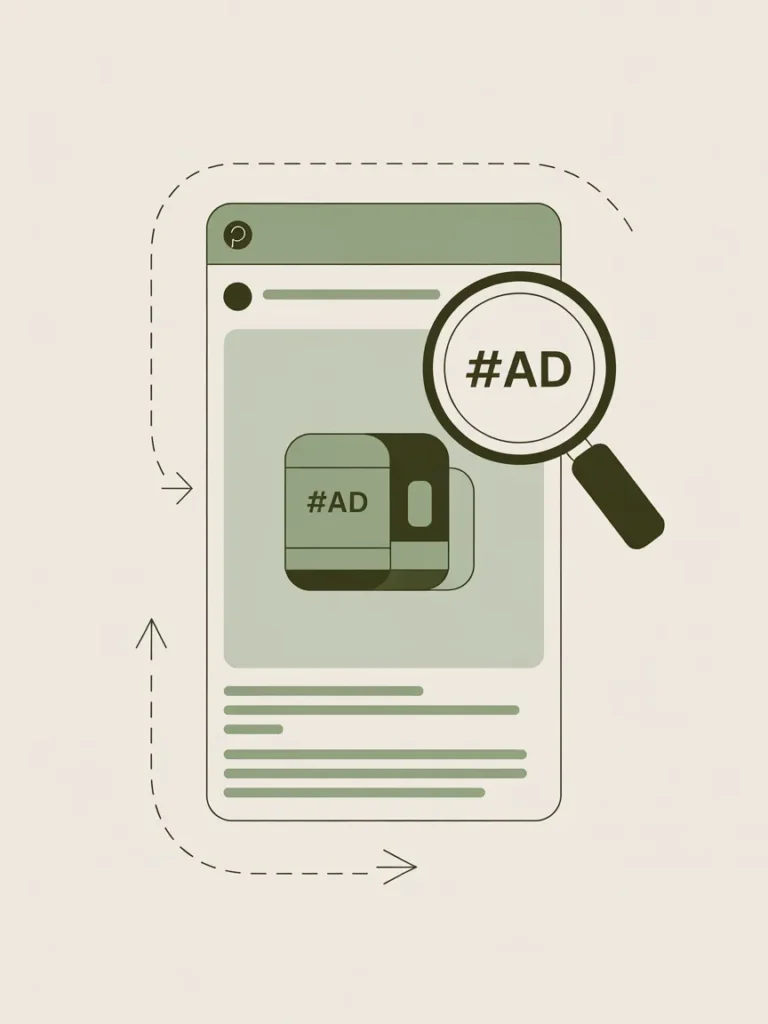
Paste your affiliate link in the destination URL field. Add #ad or #affiliate to the end of your description. We’ll cover the legal side properly in the next section.
Step 6: Pin to the Most Relevant Board First
Always pin to your most topically relevant board first. After 24 hours, you can repin to secondary boards if it makes sense. Spamming the same pin across 20 boards in one day is a fast way to get throttled.

FTC Disclosure Rules Applied to Pinterest (The Part Everyone Skips)
Most Pinterest affiliate guides ignore this entirely. That’s a problem, because the Federal Trade Commission’s endorsement guidelines apply to every affiliate pin you publish, and Pinterest enforces compliance through its own community standards.
Here’s what compliant disclosure actually looks like on Pinterest in 2026:
- The disclosure must be in the pin itself or the pin description, not buried on a separate page
- Acceptable terms: #ad, #affiliate, #sponsored, or a clear sentence like “affiliate link, I earn from qualifying purchases”
- The disclosure must appear before the affiliate link is clicked, not after
- Hashtags like #partner or #collab are considered too vague by the FTC
If your pin is an Amazon affiliate pin, the standard disclosure is: “As an Amazon Associate I earn from qualifying purchases.” That exact language is in Amazon’s operating agreement.
For pin descriptions, I usually structure it like this:
Cozy reading corner ideas for renters. Linen curtains, dimmable lamp, and the throw blanket I won’t shut up about. #ad #cozyhome #affiliate
Clear, scannable, compliant. That’s the bar.
What Gets Accounts Flagged
Pinterest’s Community Guidelines prohibit deceptive practices, which include hidden affiliate relationships, misleading thumbnails, and bait-and-switch destinations. Common mistakes that get accounts flagged or shadow-banned:
- Pin image shows one product but the link goes to a different product
- No disclosure anywhere on the pin
- Cloaked links that hide the destination
- The same affiliate link spammed across dozens of pins in a single day
- Linking to expired or out-of-stock products repeatedly
Avoid those and your account stays clean.
Pinterest Amazon Affiliate Strategy: The Specifics
Amazon is the most common starting point, and for good reason. The conversion rate is high, the cookie window covers any product the user buys in 24 hours, and almost every household need is on the platform.
A few Amazon-specific rules to know:
- You must use SiteStripe or the Product Advertising API to grab affiliate links
- You cannot use Amazon affiliate links in emails, but Pinterest is fine
- Your disclosure must include the “As an Amazon Associate I earn from qualifying purchases” language somewhere visible
- You have 180 days from approval to make your first three qualifying sales, or your account gets closed (this is the biggest beginner pitfall)
For pin content, Amazon converts best in these niches:
- Kitchen gadgets under $30
- Cozy home decor
- Organization and storage
- Pet products
- Beauty and skincare
- Reading accessories
- Travel gear
Pick one niche and go deep. A profile that pins kitchen gadgets, then jewelry, then car accessories looks like spam to the algorithm.

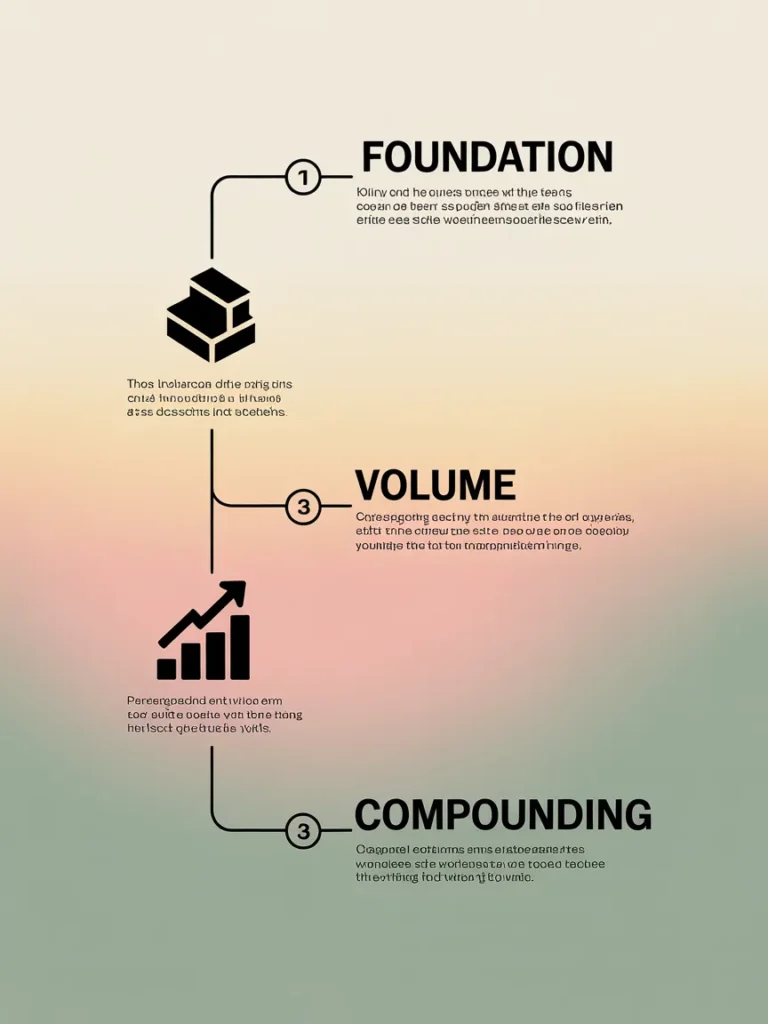
Your 90-Day Pinterest Affiliate Marketing Roadmap
This is the section nobody else publishes. Every other guide tells you “be patient” without giving you milestones to hit. Here’s what a realistic 90 days actually looks like.
Days 1 to 14: Foundation Phase
- Set up business profile (Day 1)
- Apply to 2 affiliate programs (Days 2 to 3)
- Build 8 to 10 themed boards with 20 to 30 high-quality non-affiliate pins each (Days 4 to 10)
- Design your first 10 affiliate pins in Canva (Days 11 to 14)
Goal by Day 14: profile looks established, programs approved, first pins ready.
Days 15 to 45: Volume and Learning Phase
- Publish 3 to 5 new pins daily (mix of fresh designs and saves from your boards)
- Track which pins get the most outbound clicks weekly
- Refine your top-performing pin styles
- Add 2 to 3 new affiliate programs based on what your audience clicks
Goal by Day 45: identify your 3 highest-converting pin templates and double down.
Days 46 to 90: Compounding Phase
- Repurpose top performers into video pins (Pinterest favors video right now)
- Build out 2 to 3 bridge pages for round-up content
- Expect your first commissions to start trickling in around Day 30 to 60
- A realistic Day 90 ceiling for a beginner working 5 hours per week: $100 to $500/month
This timeline assumes consistent execution. Most people quit at Day 30 because they expect $1,000/month immediately. The compounding kicks in after Day 60, which is exactly when most beginners give up.
Pin Compliance Quick Audit (Save This)
Before you publish any affiliate pin, run it through this 8-point check:
- Disclosure is visible in the pin description (#ad, #affiliate, or compliant sentence)
- Pin image accurately represents the linked product
- Destination link is live and not expired
- Link goes to the same product shown in the pin
- Pin is on the most topically relevant board
- Description is 200 to 300 characters with natural keyword inclusion
- No misleading claims about price, results, or features
- If using Amazon, “As an Amazon Associate” language is present
If all eight check out, you’re publishing a pin that won’t get flagged and that’s positioned to convert. Screenshot this list and use it every time.
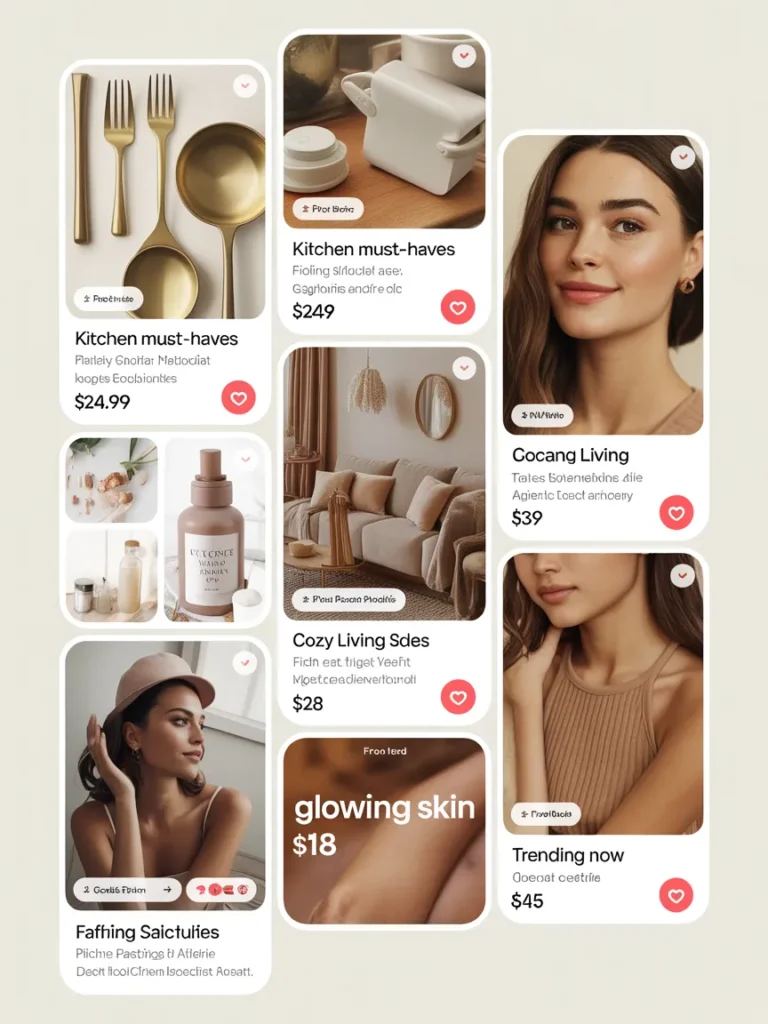
Pinterest Affiliate Marketing Ideas That Convert (Examples)
You asked for examples, so here are seven proven pin angles that consistently drive affiliate clicks. Each one is built around how Pinterest users actually search.
- “X Under $Y” round-ups — “12 Cozy Throws Under $40 from Amazon”
- Problem-solution pins — “The $14 Drawer Organizer That Fixed My Bathroom”
- Gift guides — “Mother’s Day Gifts She’ll Actually Use (All Under $50)”
- Seasonal must-haves — “Fall Porch Decor Ideas from Target”
- Aesthetic builds — “Cottagecore Bedroom on a Renter’s Budget”
- Comparison pins — “Dyson vs. Shark: Which One Actually Pays Off?”
- Honest review pins — “I Tried the Stanley Cup Dupe So You Don’t Have To”
Notice what these have in common: specificity, a clear promise, and the implication that you’ve done the work for the reader. That’s the formula.
Common Beginner Mistakes That Kill Pinterest Affiliate Income
After helping a handful of friends start their own Pinterest affiliate accounts, the same five mistakes show up over and over:
Mistake 1: Pinning only affiliate content. Pinterest’s algorithm penalizes profiles that pin nothing but commercial content. Aim for a 70/30 ratio: 70% helpful non-affiliate pins, 30% affiliate.
Mistake 2: Using the same pin design template forever. Pinterest rewards fresh visual content. Refresh your templates every 60 to 90 days.
Mistake 3: Ignoring video pins. Standard pins still work, but video pins get roughly 2x the reach in 2026. Even a 6-second product clip outperforms most static pins.
Mistake 4: Pinning at the wrong time. Use Pinterest’s free Analytics to find when your audience is most active. For US audiences, evenings (8 to 11 PM Eastern) and weekend mornings usually win.
Mistake 5: Quitting before Day 60. I’ve said it twice already because it’s the single biggest reason people fail at this. Pinterest is a slow-build platform. The pins you publish in month 1 often hit their stride in month 4.
Frequently Asked Questions
Can you do affiliate marketing on Pinterest without a website?
Yes. Pinterest officially allows affiliate links in pins without requiring you to own a website. The catch is that some affiliate programs require a website at signup, so you’ll want to choose Pinterest-friendly programs like Amazon Associates, LTK, or ShareASale.
Can I make money with Pinterest without a blog?
Absolutely. Direct affiliate linking, bridge pages built on Carrd or Beacons, and platforms like LTK all let you earn from Pinterest without ever starting a blog. Expect slower growth than bloggers because you don’t own the audience, but the model works.
Can I post affiliate links directly on Pinterest in 2026?
Yes, with two conditions: the affiliate program must allow it (most do), and you must disclose the relationship clearly on the pin itself. Pinterest’s current policies permit direct affiliate links as long as they aren’t cloaked or deceptive.
How long does it take to make your first $100 with Pinterest affiliate marketing?
For most beginners pinning consistently 3 to 5 times daily, the first commission lands somewhere between Day 30 and Day 60. The first $100 month usually arrives around Day 60 to 90. Faster if you’re in a high-converting niche like home decor or kitchen gadgets.
What is the best affiliate program for Pinterest beginners?
Amazon Associates and LTK are the two strongest starting points. Amazon has the highest brand trust and conversion rate. LTK was built for content creators and has seamless Pinterest integration. Pick one, master it, then expand.
Do I need a Pinterest business account for affiliate marketing?
Yes. Business accounts are free, and they unlock analytics (which you’ll need to know what’s working), rich pins, and ad capabilities if you ever want to scale with paid traffic.
Are video pins better than image pins for affiliate marketing?
In 2026, yes. Video pins are getting roughly 2x the reach of static image pins on average. Even short 6 to 10 second clips of a product in use will outperform most static designs.
Final Thoughts on Pinterest Affiliate Marketing Without a Blog
You don’t need a blog. You don’t need a huge following. You don’t need to spend money on courses or tools. You need a business profile, one approved program, ten well-designed pins, and the patience to keep showing up for 60 days before the compounding starts.
Pinterest rewards consistency in a way that most platforms don’t. The pins you publish today can still be earning commissions 18 months from now. That’s a rare quality in the side hustle world, and it’s why this model keeps working year after year.
If you’re going to commit to one new income stream this season, this is one of the lowest-risk, highest-leverage options on the table. Start with the 90-day roadmap above, run every pin through the compliance audit, and don’t quit before Day 60.
What’s the first affiliate program you’re going to apply to, and which niche are you starting in? If you’re still picking, our roundup can help you choose.