
You’ve seen the screenshots. Some random creator posting cozy bedroom photos and pulling $40 a day in affiliate commissions. Meanwhile your account has 14 monthly viewers and a board called “stuff i like.” Something’s off, right?
Here’s the honest truth about how to make your first $100 on Pinterest. You don’t need a blog. You don’t need a following. You don’t need to spend a dime on ads. What you need is a focused 30-day plan, the right monetization path for someone with zero audience, and the patience to send pins through Pinterest’s slow-bake algorithm without panicking on day four.
I’ve watched complete beginners hit their first $100 in three to six weeks doing exactly what I’m about to walk you through. I’ve also watched smart people grind for six months and earn nothing because they picked the wrong path on day one. The difference comes down to four decisions you make before you ever design a pin.
Why Pinterest Pays Beginners Faster Than Any Other Platform
Pinterest is not social media. That single mental shift will change how you treat the platform.
Instagram and TikTok are entertainment networks. People scroll to be amused. Pinterest is a visual search engine. People show up with intent, typing things like “small kitchen organization” or “beginner crochet patterns” with their wallet half-open. That intent gap is why a brand-new pin can drive sales in week two while an Instagram account with 10,000 followers might still be hunting for its first commission.
The other thing that makes Pinterest different: pins compound. A reel dies in 48 hours. A TikTok in 72. A well-keyworded pin can drive clicks for two years. That’s why the first $100 is the hardest, and the second $100 takes about a third of the time.
A few quick numbers to set expectations. Pinterest has roughly 537 million monthly active users as of 2026. Around 80% are women. The largest spending demographic is millennial women in the United States, which matters because most affiliate offers, digital products, and Etsy listings on the platform are designed for that exact buyer.
Pick Your Monetization Path Before You Touch Canva
This is where 90% of beginners go sideways. They open Canva, design 40 pins, then ask “okay how do I make money?” That order is backwards.
Pick the money first. Build the pins around the money.
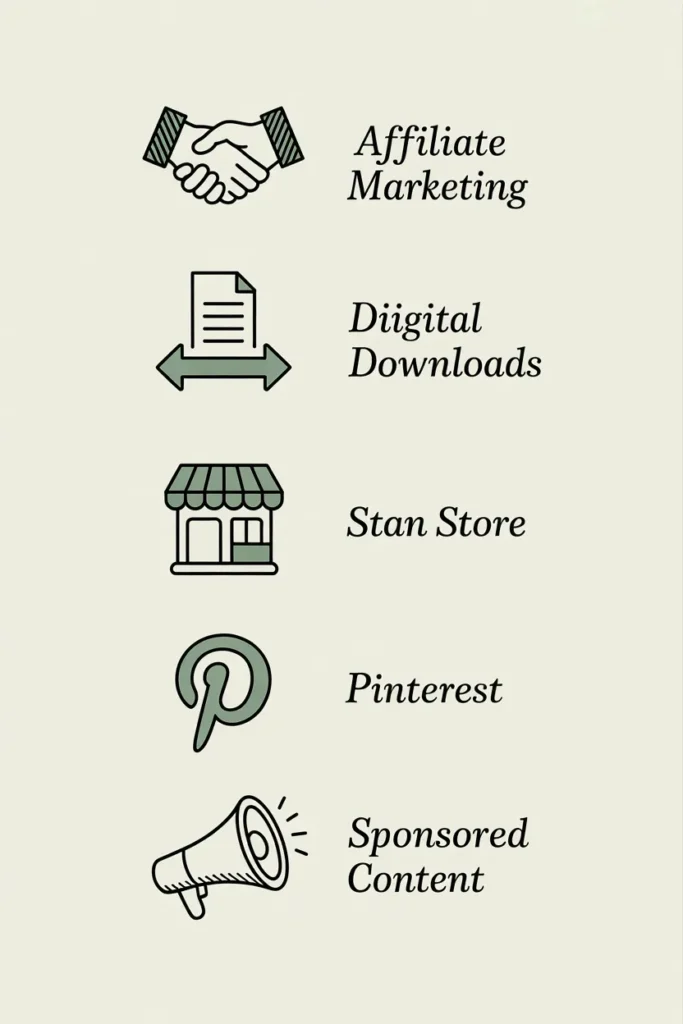
There are five paths to your first $100 on Pinterest without a blog. Not all of them are equal for a beginner. Here’s the honest breakdown.
| Path | Realistic Time to First $100 | Startup Cost | Beginner Friendly |
|---|---|---|---|
| Affiliate marketing (direct link to product) | 3–6 weeks | $0 | Yes |
| Selling Etsy digital downloads | 4–8 weeks | $0–50 | Yes |
| Driving traffic to your own Stan Store / Gumroad | 4–6 weeks | $0–29/mo | Yes |
| Pinterest VA for one paying client | 2–4 weeks | $0 | Medium |
| Sponsored pins (brand partnerships) | 4–8 months | $0 | No (audience required) |
The fastest, most beginner-proof path for someone with zero audience is affiliate marketing combined with one cheap digital product on Stan Store or Gumroad. We’ll spend most of this guide on that combo because it’s the highest-probability route to your first $100.
If you’re eyeing the digital download path specifically, our guide to Etsy printables that actually sell in 2026 breaks down which niches convert and which are saturated dead zones.
Set Up a Business Account That Doesn’t Get Throttled
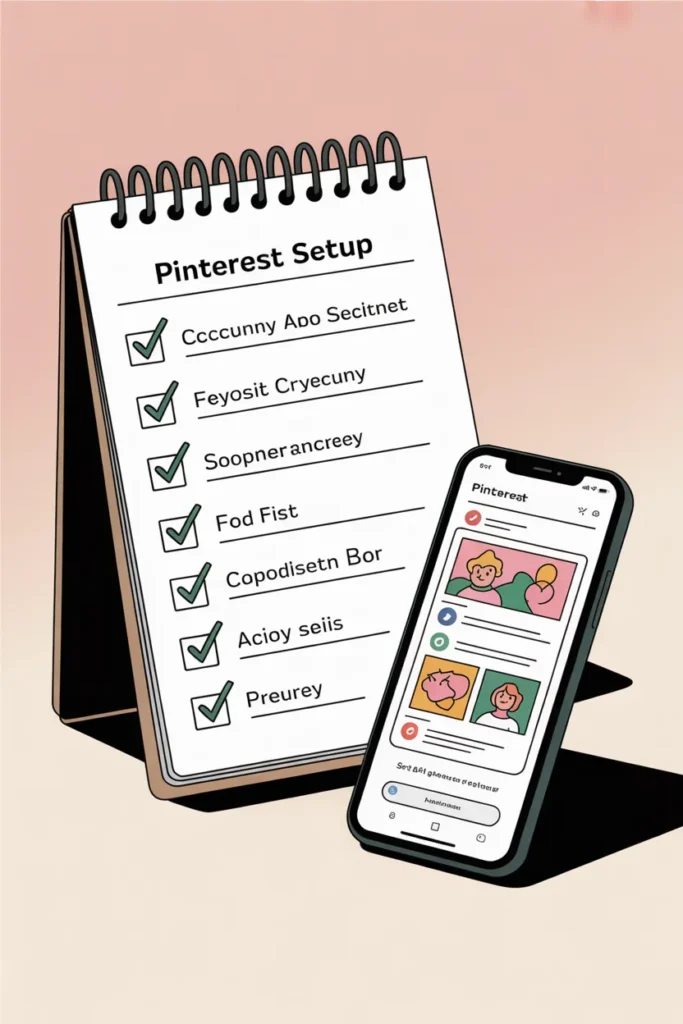
Before anything else, you need a Pinterest business account. It’s free. It takes 11 minutes. And without it, you have no analytics, no rich pins, and no idea what’s actually working.
Here’s the setup checklist that prevents 80% of “Pinterest jail” issues new accounts run into:
- Convert to a business account (not a personal one with business stuff bolted on)
- Add a clean profile photo, real first name, and a keyword-loaded bio
- Verify your domain or your Etsy/Stan Store/Gumroad link in settings
- Enable rich pins if you have a website
- Create five niche-specific boards before pinning anything
- Write 200–300 character keyword-rich descriptions for every board
- Wait 48 hours after account creation before posting your first pin
That last one is unofficial but real. Pinterest’s spam systems flag brand-new accounts that immediately mass-pin. Give the account a heartbeat first.
Pick a Niche You Can Actually Sustain for 30 Days
Niche selection is where most first-$100 attempts die. People pick “personal finance” because they read that it pays the highest affiliate commissions. Then they realize they don’t actually care about credit card churn and they stop pinning by day nine.
Pick a niche where two things are true. One, you can imagine yourself making 20 pins a week about it without dying inside. Two, the niche has buyer intent on Pinterest.
Niches that consistently convert for beginners with zero audience:
- Home organization and decluttering
- Budget meal planning and grocery hacks
- Small space living and apartment decor
- Wedding planning on a budget
- Beginner gardening and houseplants
- Faith-based planners and printables
- Homeschool resources
- Self-care routines and journaling
- Christian motherhood content
- Beginner crochet and crafting
Niches that look profitable but eat beginners alive:
- Crypto and forex (low Pinterest buyer intent, high competition)
- Make money online (extreme saturation, ironic but true)
- Generic personal finance (you’re competing with publishers, not creators)
- Anything political or news-driven (Pinterest’s algorithm hates it)
Stay-at-home moms tend to crush the home, motherhood, and meal planning niches because they’re literally the buyer they’re selling to. If that’s you, our breakdown of side hustles for stay at home moms that actually pay in 2026 walks through which niches stack well with Pinterest income.
The Affiliate Strategy That Works on Pinterest in 2026
Pinterest used to ban most direct affiliate links. That changed years ago. You can now post direct affiliate links on most major networks as long as you disclose them.
Networks that work for direct linking on Pinterest:
- Amazon Associates (low commission, high conversion, easiest approval)
- ShareASale (huge brand variety, beginner friendly)
- Impact (premium brands, slightly tougher approval)
- CJ Affiliate (legacy network, deep catalog)
- LTK (creator-focused, requires application and a small social presence)
Here’s the actual strategy that works. Pick one product category that fits your niche. Find 10 to 15 products on Amazon or ShareASale with genuinely good reviews. Build a content cluster around them.
Example for a home organization niche:
- Pin titled “10 Pantry Bins Under $20 That Made My Pantry Look Like Pinterest” → links to Amazon idea list
- Pin titled “The $9 Drawer Organizer Every Renter Needs” → direct Amazon affiliate link
- Pin titled “Small Pantry on a Budget? These 7 Bins Saved Mine” → idea list
The product needs to be visually screenshot-able, under $30 (impulse-buy threshold), and rated 4.4 stars or higher. That combo is what flips clicks into commissions.
The disclosure rule. Federal Trade Commission guidelines require you to disclose affiliate relationships. On Pinterest, the cleanest way is to add “(affiliate)” or “[ad]” at the end of your pin description and to keep a full disclosure on whatever landing page you’re sending people to. This isn’t optional. The FTC has issued real warnings to creators who skipped it. You can read the full guidance directly from the FTC’s Endorsement Guides.
The Cheap Digital Product That Pairs With Affiliate Pins
Affiliate pins alone can get you to $100. Affiliate pins plus one cheap digital product gets you there twice as fast and starts compounding.
Here’s why. Affiliate income is one and done per click. Digital product income is yours forever, and once you have a buyer’s email, you can sell them three more things over the next year.
For your first $100 sprint, the digital product needs to hit four criteria:
- Cheap to make (free tools, your existing knowledge)
- Cheap to buy ($7 to $19 sweet spot)
- Solves a tiny, specific problem (not a transformation)
- Hosted somewhere with a clean Pinterest-friendly link (Stan Store, Gumroad, Beacons, or Etsy)
Examples that hit all four:
- A 30-page printable budget binder ($12)
- A Notion meal planning template ($9)
- A 50-prompt journaling pack as a PDF ($7)
- A Canva pin template bundle for other Pinterest users ($17)
- A wedding seating chart Excel template ($14)
Stan Store and Beacons are free to start, charge a small percentage per sale, and give you a single mobile-optimized link your pins can drive to. Gumroad takes 10% but has zero monthly fees. Etsy charges $0.20 per listing plus around 6.5% transaction fees but brings its own search traffic, which is a meaningful boost when Pinterest is still warming up to your account.
Speaking of pricing, our pricing strategy calculator handles the math if you want to know exactly where your $7 product should sit relative to your costs and target margin.
How to Design Pins That Actually Get Clicked
You can have the best affiliate offer and the slickest digital product on the platform. If your pins look like 2017 mommy-blog clipart, none of it matters.
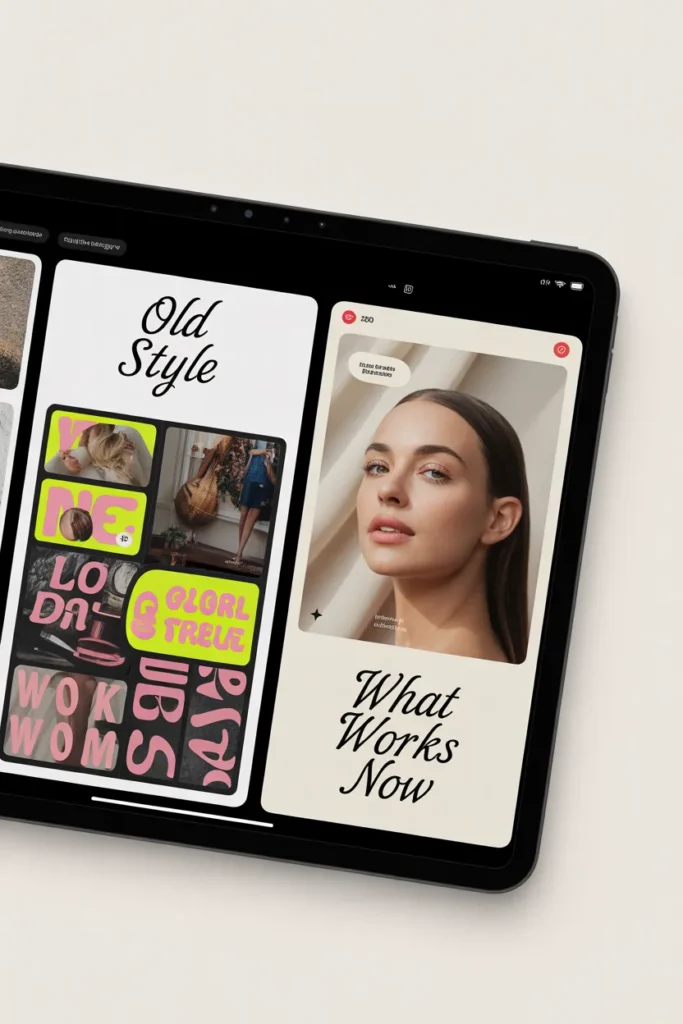
Pinterest in 2026 rewards pins that look like editorial magazine covers, not loud sales banners. The shift happened around 2023, and most beginner advice on the internet is still telling you to use “bright contrasting colors and big bold text.” That advice is now actively hurting you.
The pin design rules that work right now:
- Vertical 1000×1500 pixels (2:3 aspect ratio, no exceptions)
- One clean photo as background or the dominant element
- Text overlay limited to a 5–9 word title
- One typeface for the title, one for any subtitle (no third font)
- Soft, slightly muted color palette (cream, sage, blush, navy, terracotta)
- Brand handle small in the bottom corner, not screaming
- A subtle highlight bar or shape behind the most important word
Free tools to design pins:
- Canva (free tier is enough for the first $100)
- Pinterest’s own template gallery inside the create-pin flow
- Adobe Express (free, slightly more polished templates)
Posting cadence for a fresh account. Three to five pins per day, every day, for the full 30 days. Spread them out. Use Canva’s built-in scheduler or Pinterest’s native scheduler (free, schedules up to two weeks ahead).
The Pinterest SEO Workflow Nobody Teaches Beginners
Pinterest SEO is not Google SEO. The mechanics are different and most articles get this wrong.
On Pinterest, keywords need to live in seven specific places, and missing any one of them costs you reach.
The seven keyword placements:
- Your profile name (e.g., “Sara | Small Apartment Decor”)
- Your bio (one sentence, two keyword phrases minimum)
- Board titles (literal search phrases, not cute names like “my happy place”)
- Board descriptions (200–300 characters, written in full sentences)
- Pin titles (the searchable headline of each pin)
- Pin descriptions (200–500 characters, conversational, includes 2–3 long-tail variations)
- Image alt text (descriptive, keyword-rich, accessible)
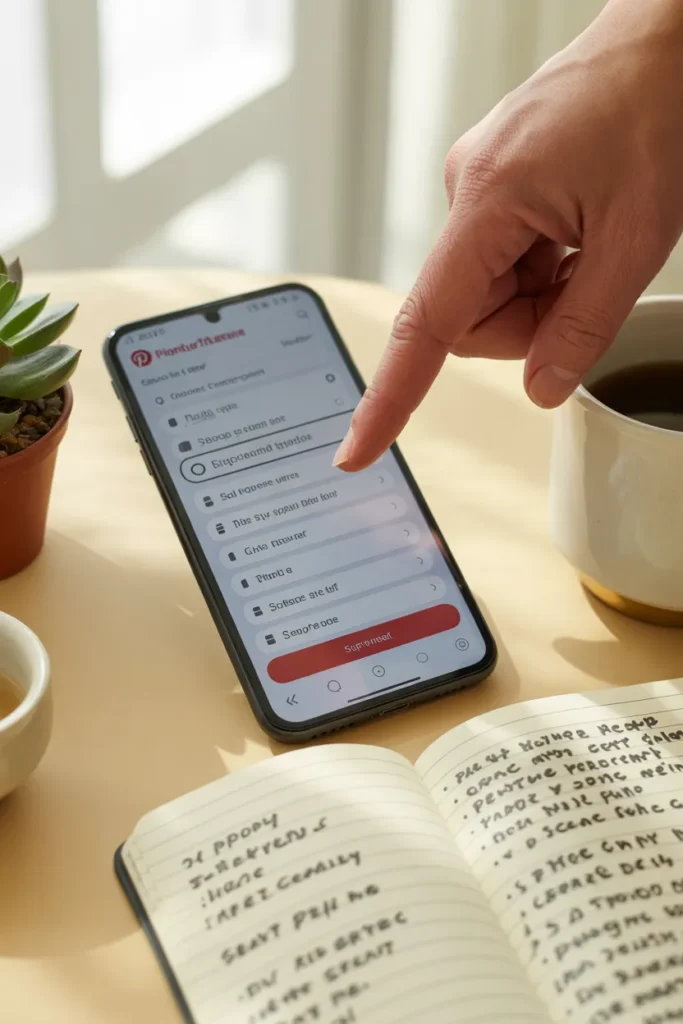
How to find your actual keywords. Forget Google Keyword Planner. Use Pinterest’s own tools. Open Pinterest, type your seed phrase into the search bar, and harvest the autocomplete suggestions. Then look at the colored pill suggestions that appear under the search bar. Those pills are gold. They’re literally Pinterest telling you what real users are typing.
Cross-reference what you find with Pinterest Trends, Pinterest’s free trend research tool. It shows you whether a keyword is rising, flat, or seasonal. A rising keyword is the easiest way for a new account to get reach because Pinterest’s algorithm leans into surfacing fresh content for trending searches.
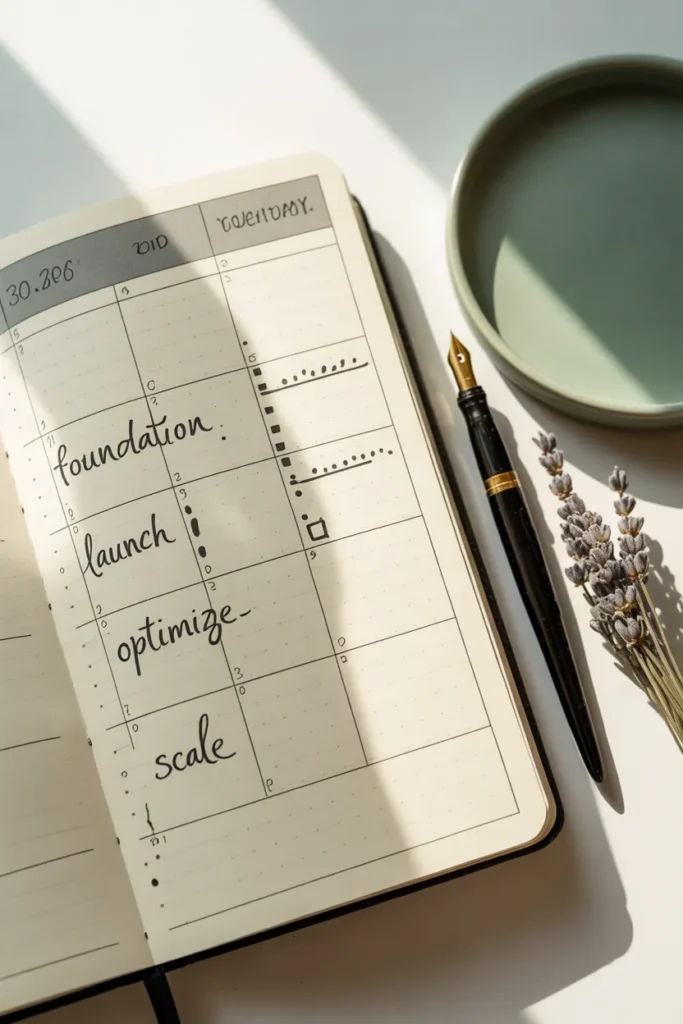
Your 30-Day Plan to the First $100
Theory’s great. Here’s the actual day-by-day path.
Week 1 (Days 1–7): Foundation
- Day 1: Set up business account, fill out profile, verify your link
- Day 2: Pick niche, sign up for one affiliate network
- Day 3: Create five keyword-loaded boards with descriptions
- Day 4: Choose your $7 to $19 digital product idea, draft outline
- Day 5: Build the digital product in Canva or Notion
- Day 6: Set up Stan Store, Gumroad, or Etsy listing
- Day 7: Design your first 10 pins (5 affiliate, 5 digital product)
Week 2 (Days 8–14): Launch and learn
- Pin 3 to 5 times daily, spaced through the day
- Mix pin types: 60% your products and affiliate links, 40% saving other people’s relevant content to your boards
- Track which pins are getting impressions in your analytics
- Apply to one more affiliate network (ShareASale or LTK)
Week 3 (Days 15–21): Double down on what’s working
- Identify your top 2 pins by outbound clicks
- Make 5 design variations of each and pin those
- Add 5 new pins per day, alternating product and affiliate
- First sales typically land in this window
Week 4 (Days 22–30): Scale signal
- Create 3 idea pins (Pinterest’s TikTok-style format) per week (these don’t get outbound clicks but they boost overall account reach)
- Refine your top 3 board descriptions based on what’s actually getting saved
- Pin 3 to 5 times daily, no skipping
Most beginners hit their first sale somewhere between day 14 and day 28. The path from first sale to first $100 typically takes another 1 to 4 weeks depending on niche and average commission size.
How to Avoid Pinterest Jail (The Beginner Killer)
“Pinterest jail” is the unofficial name for when your account gets shadow-banned, your reach plummets to near zero, or your account gets suspended. It happens to roughly one in four new business accounts in the first 90 days.
Here’s what triggers it and how to avoid it:
- Mass-pinning on day one. Wait 48 hours after creating the account. Then ramp up to 3–5 pins daily over the next week.
- Posting the same pin to 30 boards. Pinterest’s spam system flags this instantly. Pin to 1–3 highly relevant boards max.
- Using cloaked or shortened links. Pinterest hates link shorteners. Always use direct affiliate links or your own clean Stan Store/Gumroad URL.
- Repinning your own pins back-to-back. Save other people’s content too. A 60/40 split of your stuff to other people’s stuff keeps the algorithm comfortable.
- Editing pins immediately after posting. Pinterest reads frequent edits as suspicious. Get the pin right before you publish.
- Joining 50 group boards in week one. Group boards are mostly dead in 2026 anyway. Join 2 or 3 highly active, niche-specific ones if any.
- Using stolen or reused images. Pinterest’s image recognition catches duplicates from other accounts. Use your own photos, free stock from Pexels, or Canva’s licensed library.
If your reach suddenly drops, don’t panic-pin. Stop pinning for 48 hours, audit your last 10 pins for any of the triggers above, then resume slowly.
What $100 Actually Looks Like in Real Numbers
Let’s get concrete about where your first $100 comes from. This is the math nobody else shows you.
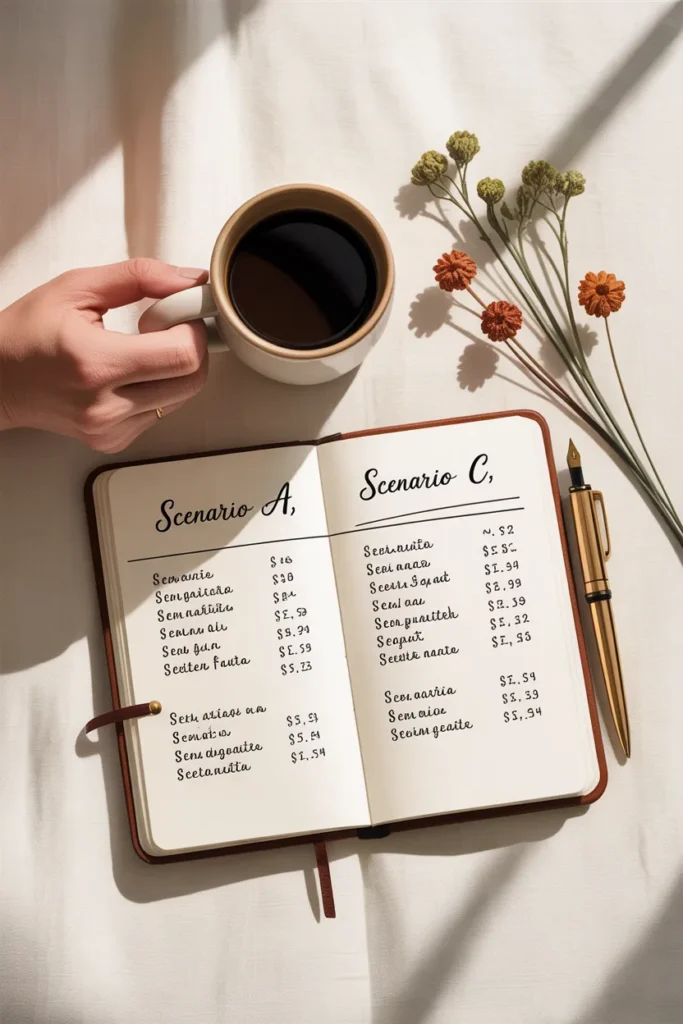
Scenario A (Affiliate-only path):
- 1 Amazon affiliate sale at 4% on a $25 product = $1.00
- Your first $100 needs roughly 100 of these
- Realistic monthly outbound clicks for a 30-day-old account: 800–2,500
- Realistic conversion rate on Amazon affiliate Pinterest traffic: 1–4%
- Math: 1,500 clicks × 2.5% conversion × $1 average commission = $37.50/month
- Time to $100: about 8 to 10 weeks at this rate
Scenario B (Affiliate + $12 digital product):
- 5 digital product sales at $12 = $60
- 40 affiliate sales averaging $1 = $40
- Total: $100
- Realistic timeframe: 4 to 6 weeks
Scenario C (Pinterest VA, one client at $300/month):
- One discovery call booked + closed = $300/month
- Time to $100: depends entirely on whether you can close a client (typically 2–4 weeks of pitching)
- Highest-leverage path if you have any prior social media or design experience
This is why the affiliate-plus-digital-product combo is the highest-probability path for true beginners. You’re not relying on a single income stream, and the digital product carries higher margin per click.
When Pinterest Is Not the Right Fit
Honest moment. Pinterest is not the right first move for everyone.
It probably isn’t your fastest $100 if:
- You hate visual design and refuse to learn even basic Canva
- Your niche is news, politics, or anything time-sensitive
- You want money this week (Pinterest’s algorithm needs 3–6 weeks to warm up to a new account)
- You’re targeting a male-dominated audience (Pinterest’s user base is around 80% women)
- You can’t commit to 30 to 45 minutes a day for the first month
If any of those apply, a service-based hustle like freelance writing or VA work will hit $100 faster. Pinterest is a slow-build, compounding game. The first $100 is the hardest. The thousandth is mostly automatic.
Frequently Asked Questions
Can you really make money on Pinterest without a blog?
Yes. Affiliate marketing with direct links to Amazon, ShareASale, or Impact products works without a blog. So does driving traffic to a Stan Store, Gumroad page, or Etsy listing. A blog increases your earning ceiling but isn’t required for your first $100.
How do I make money on Pinterest as a beginner with no investment?
Use the free combo. Free Canva account, free Pinterest business account, free Amazon Associates approval, and a free Stan Store or Beacons link. The only optional spend is $7 to $20 if you want to buy a Canva Pro month for premium templates, which most beginners don’t need.
How long does it take to earn $500 a month from Pinterest?
For someone starting from zero with no audience, $500 a month typically takes 4 to 8 months of consistent daily pinning paired with at least one digital product and one or two affiliate offers. The first $100 is the slowest. Once your account has been pinning consistently for 90 days, growth tends to accelerate.
How do I avoid Pinterest jail as a new account?
Wait 48 hours after creating your account before pinning. Cap your daily pins at 3 to 5 in the first two weeks. Never use link shorteners. Don’t pin the same pin to more than 3 boards. Use original or licensed images only. Don’t join more than 2 or 3 group boards in your first month.
Do I need a website or landing page to use affiliate links on Pinterest?
No. Most major affiliate networks now allow direct linking to Pinterest. Amazon Associates, ShareASale, and Impact all permit it. You still need an FTC-compliant disclosure on the destination page or in the pin description.
How many pins per day should a brand-new Pinterest account post?
Three to five fresh pins per day for the first 30 days. Beyond day 30, you can scale to 8 to 15 if you have the inventory of pin designs to support it. Quality matters more than quantity. Five well-designed, well-keyworded pins beat 30 lazy ones.
What’s the easiest digital product to sell on Pinterest as a beginner?
Printables priced between $7 and $19. Budget binders, meal planners, journaling prompts, and Canva templates consistently outsell more complex products because they hit Pinterest’s impulse-buy sweet spot and require zero setup from the buyer.
The Honest Bottom Line
Your first $100 on Pinterest is a 4 to 8 week project if you pick the right path, set up the account properly, and pin consistently for 30 days without giving up in week two. It’s not magic and it’s not a get-rich-quick play. It’s a slow-bake compounding game where the boring weekly habits add up.
Pick one niche. Pick one affiliate network. Build one $12 digital product. Pin three to five times daily. Track what’s working in week three. Lean into it in week four.
The people who make this work are not more talented than you. They’re just the ones who didn’t quit on day nine when their first 20 pins did nothing.
Which path are you starting with this week? The affiliate-plus-digital-product combo, or the VA route? Either one works if you actually run it.