
If you have ever opened Canva, dragged a few elements around, and thought “wait, people actually pay for this stuff?”, you are not imagining things. A former bank employee named Katya Varbanova reportedly made over $1.4 million in under three years selling Canva templates, and she is nowhere near the only one. The digital template market crossed $4.2 billion in 2024, and in 2026 it is still climbing because small business owners, bloggers, and creators simply do not have the time to design from scratch.
The best part? You do not need a fancy design degree, a huge following, or even a paid Canva account to start. You just need a laptop, a little creativity, and a plan that actually works. This guide walks you through exactly how to make money with Canva in 2026, from picking a niche to getting your first sale through Pinterest.
Why Selling Canva Templates Is Blowing Up in 2026
Canva now has over 180 million monthly active users, and most of them are not designers. They are coaches, real estate agents, Etsy sellers, teachers, and solopreneurs who need professional looking graphics yesterday. That is exactly the gap template sellers fill.
A Canva template is simply a pre made, editable design that someone else can open in their own Canva account and customize in minutes. You create it once, upload it to a marketplace, and it can keep earning for years. That is the magic of digital products: zero inventory, no shipping, and a profit margin that physical products can only dream about.
On top of that, Canva’s Magic Studio AI tools in 2026 can resize a single Instagram post into a Pinterest pin, a story, and a Facebook cover in seconds. What used to take a full weekend now takes twenty minutes, which means you can build a full product line faster than ever before.

7 Real Ways to Make Money With Canva
There is no single path here, which is actually good news. Pick the one that matches your personality, then go deep instead of wide.
1. Sell editable Canva templates. This is the most popular option and the easiest to scale. Think Instagram post packs, Pinterest pin templates, resume designs, wedding invites, and social media bundles.
2. Design custom social media graphics. Local businesses, coaches, and course creators will happily pay $20 to $100 per graphic for someone who gets their brand.
3. Create and sell printables. Planners, budgeting sheets, habit trackers, and kids’ activity pages move like crazy on Etsy all year round.
4. Offer logo and brand kit design. New small businesses need logos constantly. Canva’s Pro elements make this surprisingly doable for beginners.
5. Build Pinterest pin packs. Bloggers need fresh pins every single week. A pack of 30 editable pins priced at $17 sells itself if the aesthetics are on point.
6. Flip Canva skills into a service. Offer Canva setup, brand boards, or “done for you” content batches on Fiverr or Upwork.
7. Teach what you know. Once you get good, sell a mini course or ebook on how to create templates. This is often where the biggest money is hiding. If you want more ideas like this, check out this list of easy side hustles you can start with no money to pair with your Canva income.
Best Niches for Canva Templates in 2026 (Low Competition, High Demand)
Picking a niche is where most people quietly fail. They try to design templates for “everyone” and end up selling to no one. Narrow beats broad every single time.
Here are the niches actually paying out in 2026:
- Real estate marketing templates (flyers, open house invites, Instagram carousels for agents)
- Wedding and event suites (invites, menus, seating charts, welcome signs)
- Faceless Instagram carousels for creators who do not want to show their face
- Coach and course creator lead magnets (workbooks, freebie opt ins)
- Airbnb host welcome books and house manuals
- Teacher printables and classroom decor
- Financial planners and debt payoff trackers
Notice how specific each one is. “Real estate Instagram templates for luxury agents” will out sell “social media templates” ten times out of ten. To find more profitable angles, explore our digital product ideas guide for niche inspiration.
Where to Actually Sell Your Canva Templates
Your designs can be gorgeous, but if you list them in the wrong place, nobody will ever see them. In 2026, the platforms worth your time are:
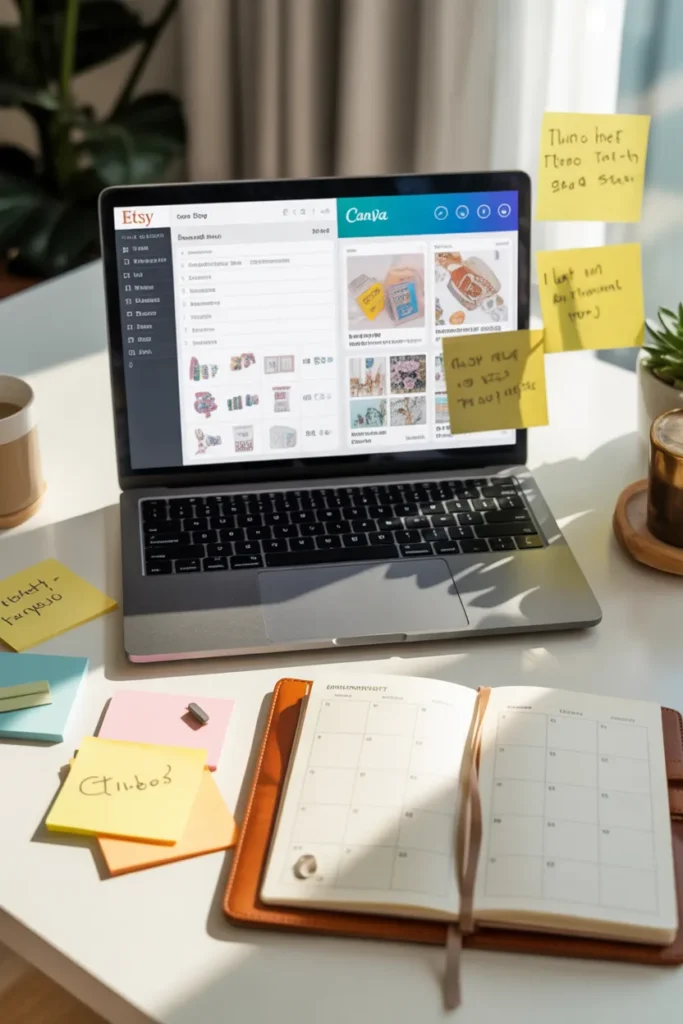
Etsy is still the easiest for beginners because it has built in buyer traffic, but fees are climbing. Price most listings between $7 and $25 to stay competitive.
Creative Market attracts higher end buyers and lets you charge more, but approval takes time.
Gumroad and Payhip charge low or zero fees, but you have to bring your own traffic. This is where Pinterest becomes your best friend.
Your own Shopify or WordPress store gives you full control, better profit margins, and a real asset you own. If you are serious long term, this is where to land eventually.
Canva Creator Program lets you sell inside Canva itself and get paid royalties whenever someone uses your template. It is slow to ramp up but genuinely passive.
How to Use Pinterest to Sell Canva Templates (The Traffic Goldmine)
Pinterest drives 33% more referral traffic than Facebook and around 200% more than X. Better yet, Pinterest users come with credit cards already open. They are searching for solutions, not scrolling out of boredom. That is a buyer mindset.
Here is the simple Pinterest game plan that works in 2026:
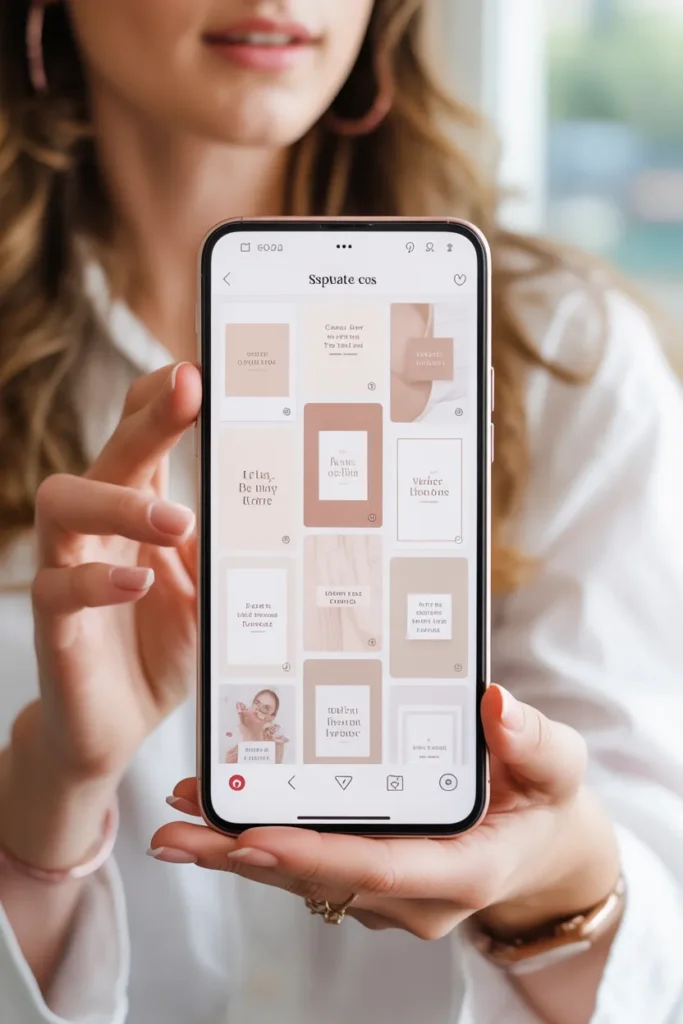
Design vertical pins in a 2:3 ratio (1000 x 1500 pixels is the sweet spot). Use bold, readable fonts and a strong text overlay like “5 Canva Templates Every New Blogger Needs”. Add a clean mockup of your actual template. Write a keyword rich description that sounds like a real person wrote it, not a robot. Something like “Grab these editable Canva Instagram templates to grow your faceless account in 2026” works far better than keyword stuffed gibberish.
Create fresh pin designs for the same product. Pinterest rewards new visuals, so one template should have five to ten different pin designs pointing to the same listing. Post consistently, join a few relevant group boards, and give it ninety days. Pinterest is a slow burn, but once a pin takes off, it can drive traffic for literal years.
How Much Money Can You Realistically Make?
Let’s keep it honest. In your first 30 to 60 days, expect small sales as you learn. Most beginners land somewhere between $50 and $300 in month one.
Once you hit 30 to 50 well optimized listings and consistent Pinterest traffic, $500 to $2,000 a month is very realistic. Sellers who niche down hard and treat it like a real business regularly pull $3,000 to $10,000+ per month. This is not a get rich quick story, but it is one of the cleanest passive income plays available right now. For more realistic income breakdowns, this Shopify guide on making money with Canva is worth bookmarking.
Common Mistakes Beginners Make (And How to Dodge Them)
First, stop copying bestsellers pixel for pixel. Canva’s terms are strict, and buyers notice. Second, do not upload the raw Canva file. Always share the template through a proper share link so buyers can copy it into their own account. Third, do not underprice. A $3 template screams low quality. A $17 template feels like a real product.
Finally, pay attention to your listing photos. Mockups sell templates, not the templates themselves. A flat, boring preview will lose to a beautifully staged mockup every time. If you want a deeper walkthrough on pricing and positioning, Sellfy’s guide to selling Canva templates breaks down the numbers clearly.
Your First 30 Days Game Plan
Week one, pick one niche and research the top 20 bestsellers. Week two, create a starter bundle of 15 to 20 templates in a consistent style. Week three, set up your shop (Etsy or Gumroad is fine for now), stage clean mockups, and publish. Week four, start pinning at least 3 to 5 fresh pins daily and tracking what gets saved.
Do not overthink it. Most people lose because they keep “getting ready” instead of shipping. If you want a full roadmap from idea to first dollar, our beginner friendly side hustle roadmap walks you through the early steps.

Final Thoughts
Making money with Canva in 2026 is less about being a design genius and more about being consistent, picking a tight niche, and learning how Pinterest and SEO actually work. The tools are free. The market is huge. The buyers are already searching. The only thing missing is someone creating the templates they need, and that someone can absolutely be you.
Start small, publish before you feel ready, and treat every early sale as proof the system works. Six months from now, you could be the one people quote in articles like this.